









OUR BLOG
Linking Item Photos with Item Master Records

How to Build a Visual Item Master for Better Warehouse Operations

What if one routine inbound task, capturing item dimensions, could become your most powerful tool for warehouse operations clarity?

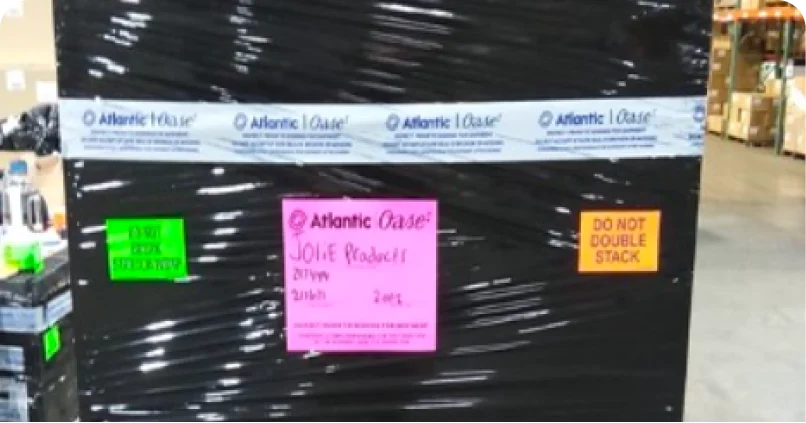
Walk onto your warehouse floor, pick a random box, and ask three people, a picker, a receiver, and someone from customer service, to describe what’s inside based only on the SKU and label. If you get three different answers, it highlights a common challenge in how product knowledge is shared. Some teams call this the “Mystery Box” effect: where critical details live somewhere between the physical product and the digital record.
We capture dimensions, weights, and codes in our systems, but often overlook a simple question: What does this item actually look like?
Sometimes, the most valuable upgrade to your inventory accuracy isn’t another data field, it’s a clear, practical photo linked directly to your Visual Item Master.

Beyond the Spreadsheet: Building a Visual Single Source of Truth

Our systems are full of SKUs, descriptions, volumes, and weights. But text and numbers don’t always show the item itself. When a new picker faces two nearly identical SKUs, or customer service needs to identify a returned item from a blurry phone photo, the traditional item master can fall short. To ensure reducing picking errors becomes a standard, you need a visual-first approach.
The solution: a visual item master. A simple workflow works best:
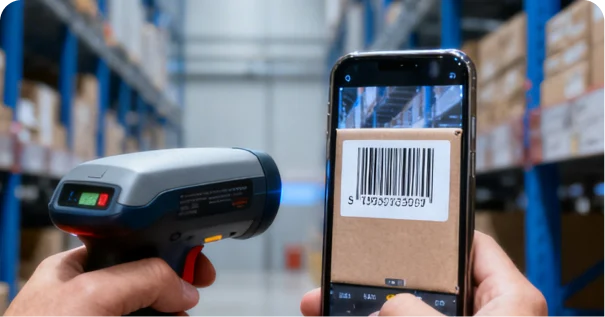
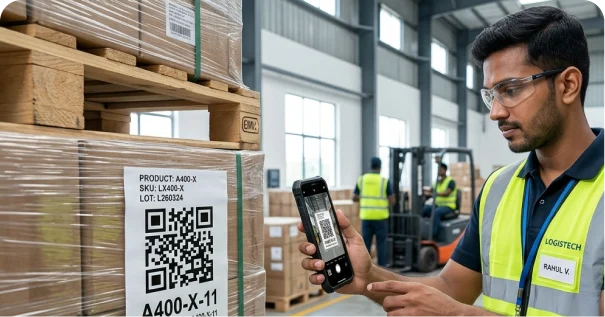
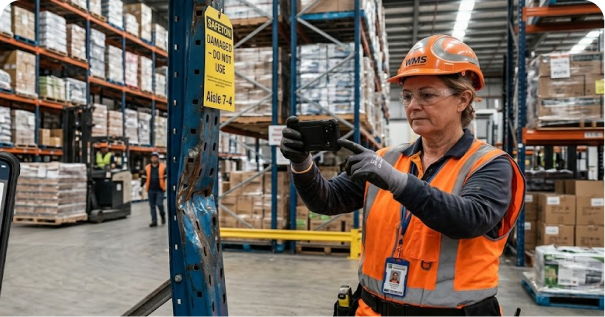
1. Capture at the Source: Take photos the first moment an item enters your building, before it hits a shelf.
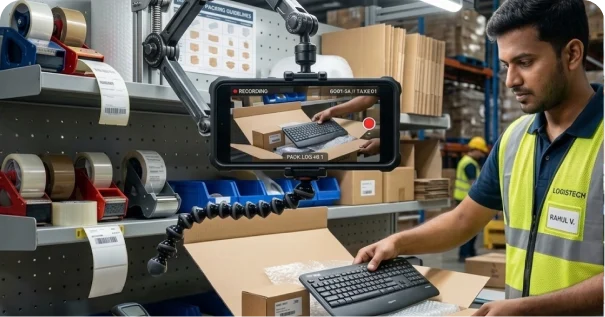
2. The Two-Shot Standard:
  • Photo 1: Item in packaging—for quick picker reference.
  • Photo 2: Item out of packaging—for inspections, returns, and verification.
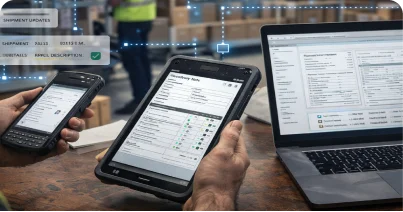
3. Link Photos to the Item Record: Upload them to your system and link them directly to the SKU. One click, and the picture is there.

Why This Humble Habit is a Warehouse Superpower

This isn’t about having “pretty pictures”; it’s about installing clarity into every corner of your warehouse operations.
  • Reducing Picking Errors: Visual references help pickers confidently match the right product to the order. Instead of relying only on long SKU strings, they have a quick reference—useful for both new and experienced team members.
  • Stronger Receiving and Inspections: When inbound shipments arrive, teams can compare what’s in front of them to the “standard” item image. Differences in packaging, versions, or visible damage are easier to spot early, before issues move further downstream.
  • Empower Every Department: Returns can include similar-looking products or items with limited description. A visual reference helps teams quickly verify items and confirm they match the expected condition and configuration.
  • Defuse Disputes Instantly: Instead of interpreting text descriptions alone, teams can see the item directly. This shared understanding helps reduce confusion and unnecessary back-and-forth.

The Implementation Playbook

Move from text to truth. In our hands-on world, a photo is your most powerful data point.
The goal is to move from describing your inventory to showing it. In the physical world of supply chain, where we handle real objects every day, a picture doesn’t just tell a thousand words it saves a thousand headaches.
By turning your item master from a passive database into an active, Visual Item Master, you make everyone’s job simpler and your entire operation more resilient.
Share this Article
Dive Deeper